SITA Information Networking UI Library
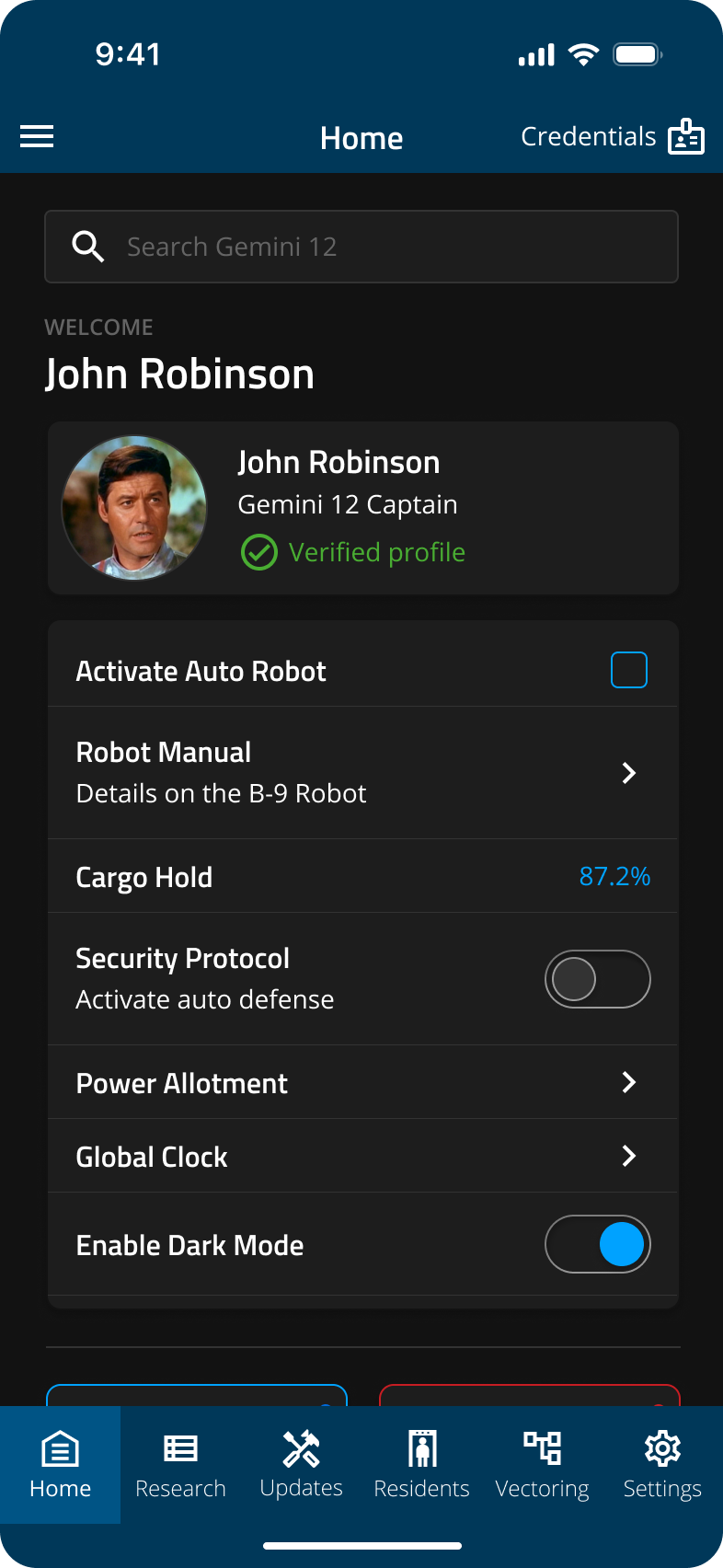
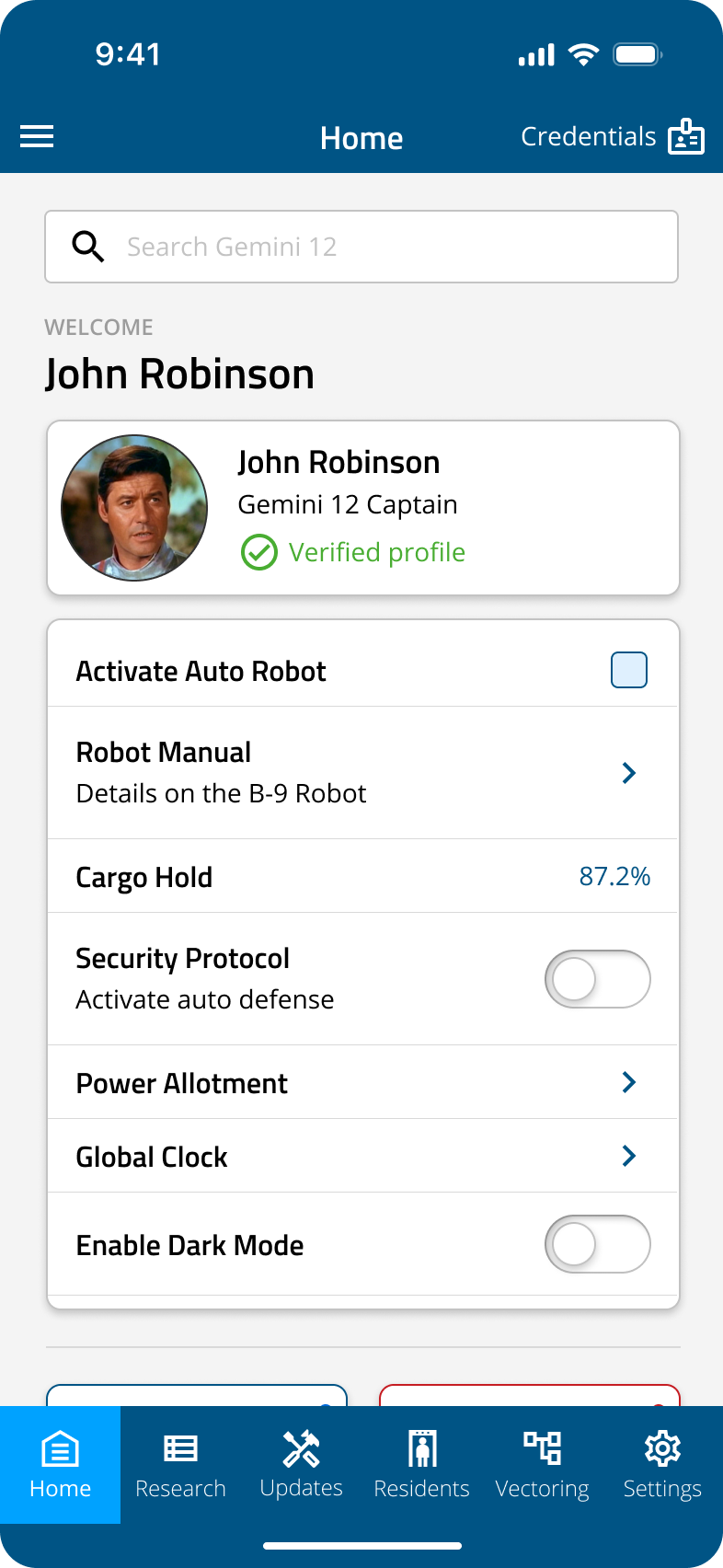
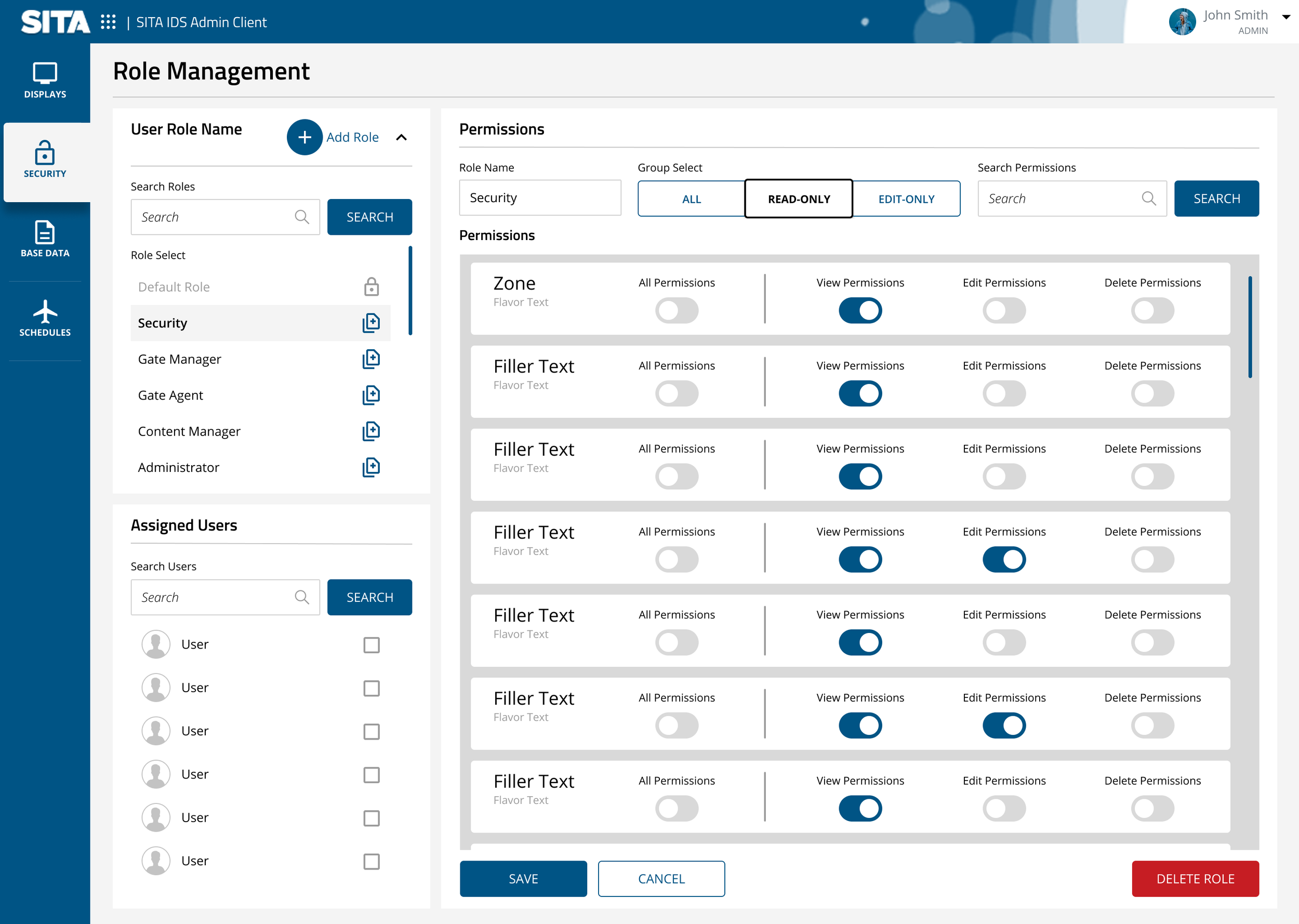
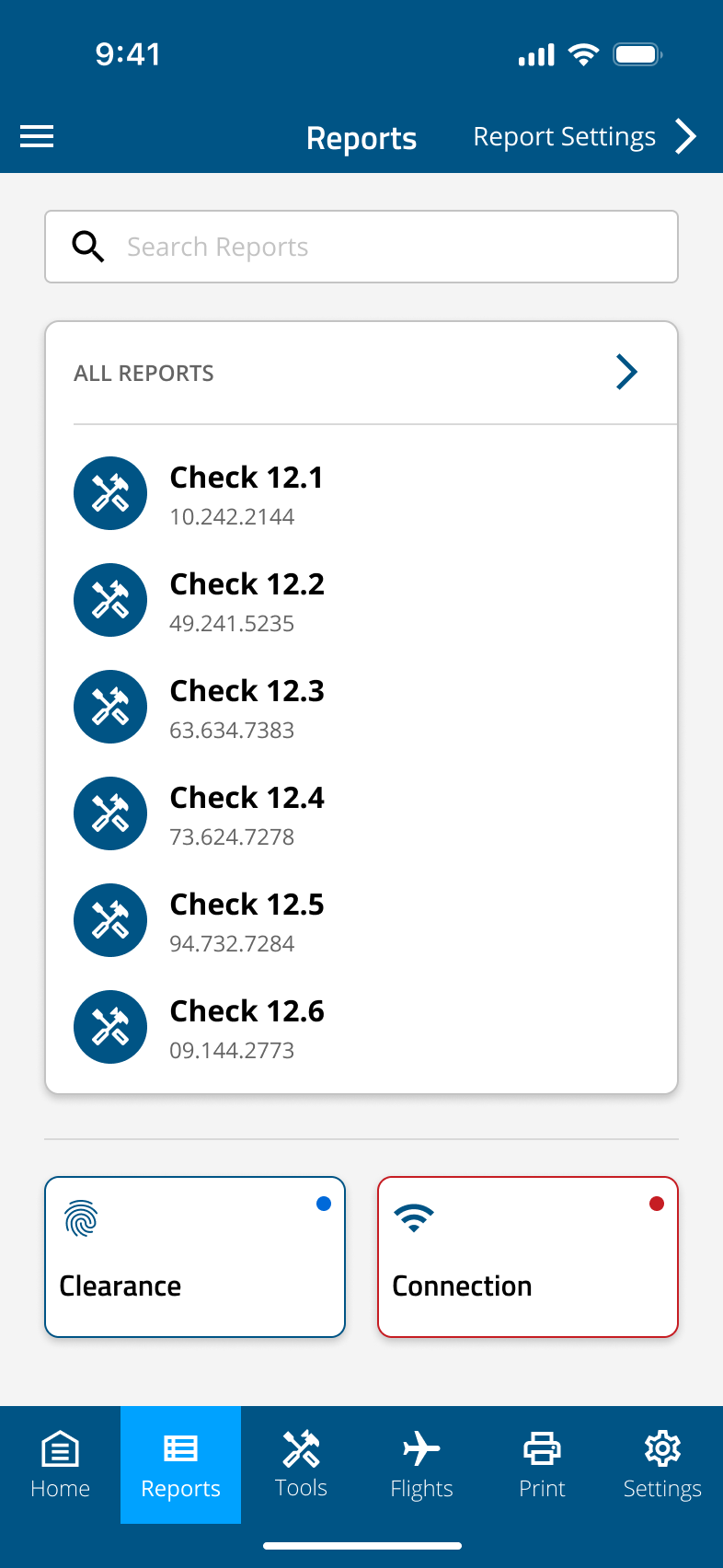
The SITA UI library development was an effort to standardize the visual language and interaction flow of a number of applications under the SITA Information Networking umbrella. Due to a growing number of company acquisitions, many of SITA’s digital products inherited a wide range of visual styles and functions.
As the UX Portfolio Lead for Airport Operations, two years of my tenure was spent accessing, documenting, and aligning components to meet the existing use cases of all SITA software while also building a solid foundation for future solutions.
All components were designed in a Figma library file, tested within fully-functioning prototypes, then brought to the development alignment team to build into a usable development library.
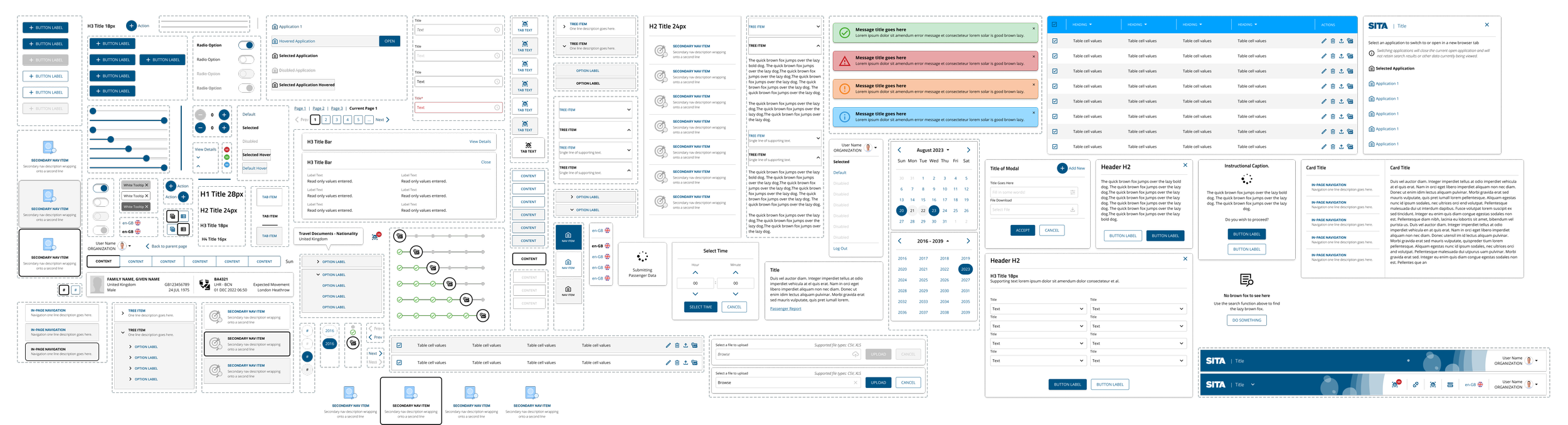
Atoms, Molecules, Organisms
For the sake of flexibility, expandability and streamlined updating, the Figma component library is split into three sections, each of which are nested within each other. Atoms (components small enough to not be used individually during development)
Atoms are the base of the design system and are the simplest unmodifiable components in the library (icons, checkboxes, toggle switches, etc.).

Molecules include standard components that make up an interface and often require multiple variants, some of which utilize atoms (buttons, badges, etc.).

Organisms are components with full advanced functionality. Organisms can be anything from a standard dialog box to a dedicated sign-in page.

Non-proprietary visuals